How to Check Rego in QLD: Step-by-Step Guide (Plate or VIN)
Need to check rego in Queensland? The quickest way is the free check registration service run by the Queensland Department of Transport and Main Roads (TMR). You enter the vehicle’s registration number (number plate) or, for vehicles made since 1 January 1989, its VIN. The service then shows whether the registration is current or expired, the expiry date and key vehicle details.
This guide walks you through each step, explains what every part of the result means, shows what the check cannot tell you, and covers the problems people run into most often. We are an independent information site and not part of TMR, so every step below points you to the official government services.
Quick answer: Open the official TMR check registration page, enter the plate or VIN, and read the status and expiry date. The service is free, does not show owner details, and cannot look up registrations that have been cancelled.
What You Need Before You Start
- The registration number or the VIN. Use the number plate if you can see it. Use the 17-character VIN if you only have paperwork, or if you want to confirm that a plate and a vehicle belong together.
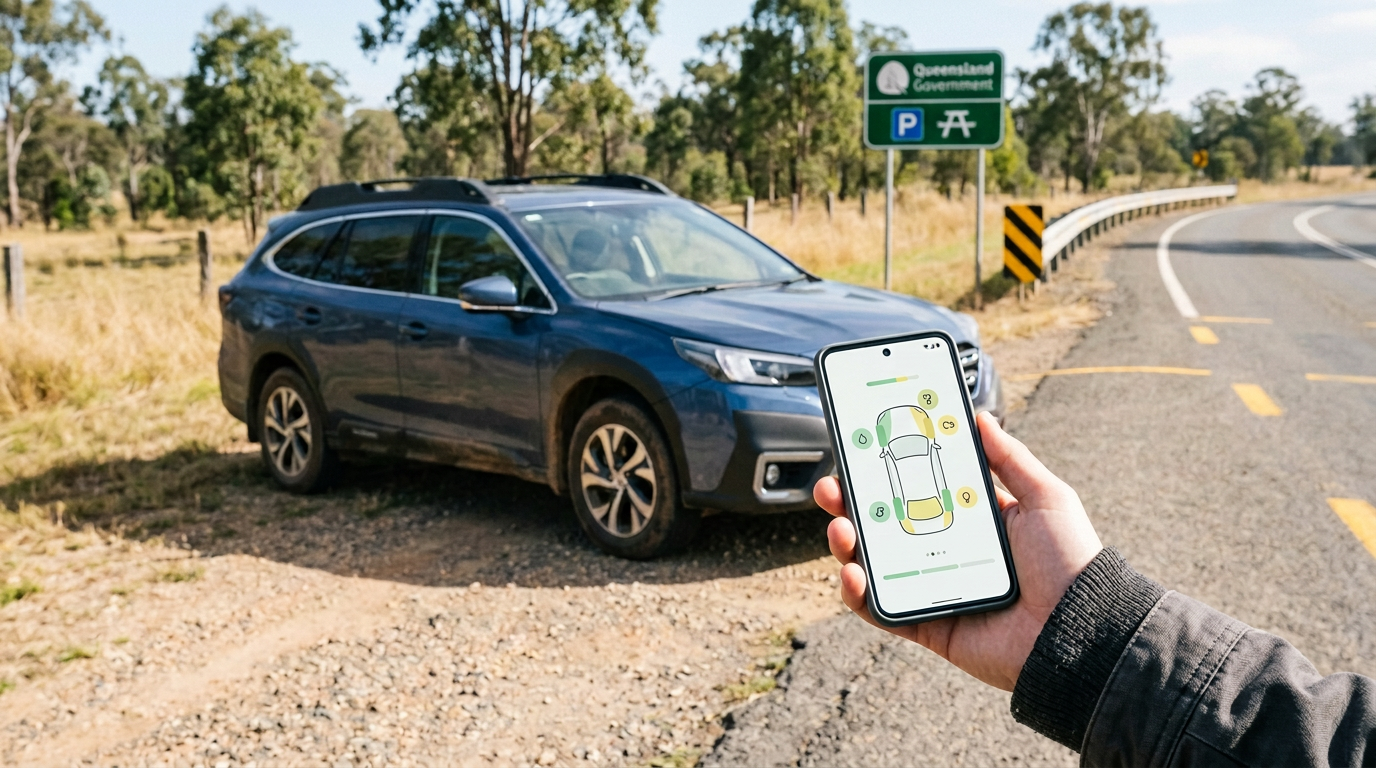
- A phone, tablet or computer. The official check works in a normal web browser, and TMR also offers a free app.
- Two minutes. The search itself is quick. Most of the time goes on checking the details carefully.
The official service covers Queensland registrations only. According to the official app description, it can check cars, trucks, motorcycles, trailers and vessels. It does not accept chassis, hull identification or other serial numbers.
How to Check Rego in QLD, Step by Step
Step 1: Open the official TMR check registration page
Go to the Queensland Government’s check registration status service. The web address should be on a Queensland Government domain such as service.transport.qld.gov.au or qld.gov.au. The check itself is free. If a website asks you to pay for a basic rego check, it is selling a different product, so be sure you know what you are buying before you hand over any money.
Step 2: Choose registration number or VIN
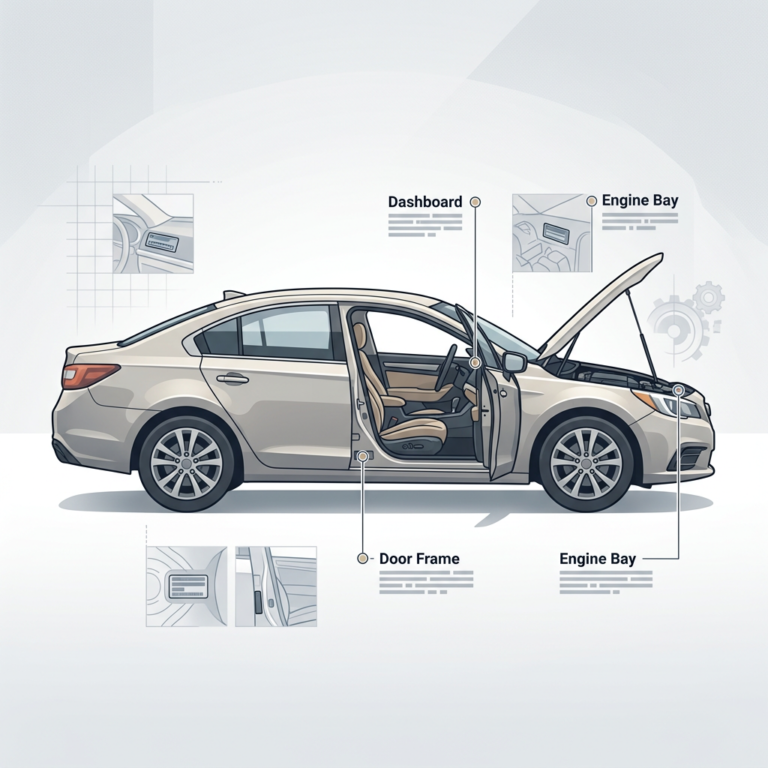
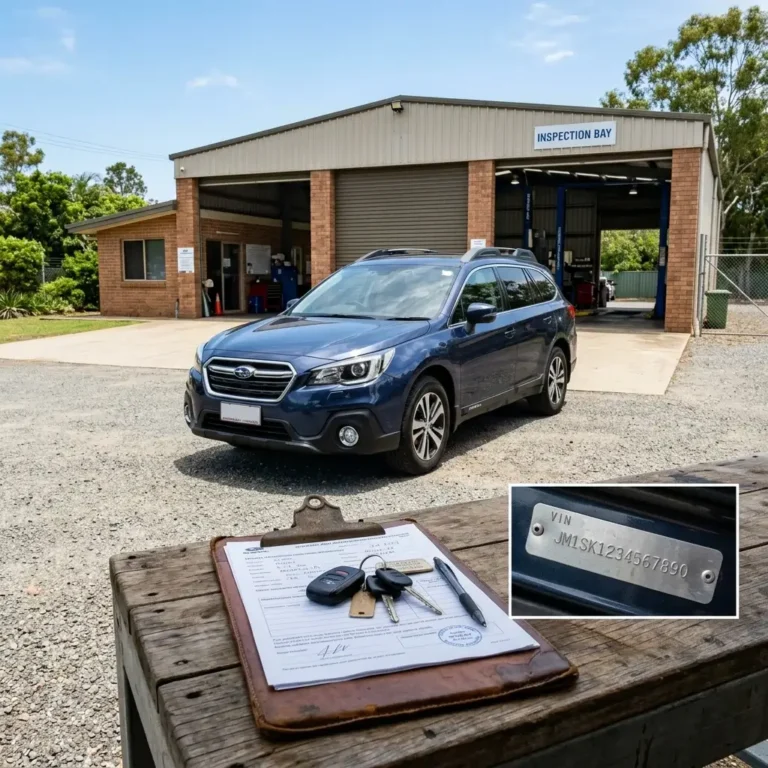
Searching by registration number works for the widest range of vehicles, so start there when you can. Choose VIN when you only have the paperwork in front of you. The VIN option only works for vehicles made since 1 January 1989. Our guide to checking QLD rego by VIN shows where to find it on the vehicle.
Step 3: Enter the details carefully
Type the plate or VIN exactly as shown. Look-alike characters cause most failed searches, especially the digit 0 and the letter O, and the digit 1 and the letter I. VINs never use the letters I, O or Q, so in a VIN those shapes are always digits.
Step 4: Accept any prompts and submit
Read and accept any terms or security prompts the page shows, then submit the search.
Step 5: Read the result and record it
Compare every field with the vehicle in front of you (the sections below explain each one). If you are buying a vehicle, take a screenshot or note the date and time. Registration status can change, so a check from last week says nothing certain about today.
Website or App: Which Should You Use?
Both are free and both are provided by TMR. Which one suits you depends on how often you check.
| Option | Cost | Best for | Worth knowing |
|---|---|---|---|
| Official TMR website | Free | One-off checks from any browser | Nothing to download |
| QLD Rego Check app (iOS and Android) | Free | Keeping an eye on your own vehicles | Lets you add a reminder of your registration due date to your device’s calendar |
The app is available from the App Store and Google Play. Search for QLD Rego Check and make sure the publisher is the Queensland Government.
How to Read Your QLD Rego Check Results
The official service can show the details below. Not every field appears for every vehicle.
| Field | What it tells you | What to do with it |
|---|---|---|
| Registration status | Whether the registration is current or expired | If it is expired, the vehicle is unregistered and should not be driven on a road. See the section on expired rego below. |
| Expiry date | The date the current registration ends | Renew before this date. Treat it as a deadline, not the start of a grace period. |
| Make, model and body shape | The vehicle description held on the registration record | Compare it with the vehicle itself and with any advertisement. A mismatch is a warning sign. |
| Purpose of use | How the vehicle is registered to be used, for example private or commercial | Check that it fits how you plan to use the vehicle. |
| Inspection due date | When a certificate of inspection is due, for vehicles that need one | If no current certificate is recorded, certificate details will not be shown. |
| Learner approved motorcycle | Whether a motorcycle is learner approved | Important if the rider holds a learner licence. |
| Heavy vehicle details | Gross Vehicle Mass and National Heavy Vehicle Registration charge codes | Useful for operators and buyers of heavy vehicles. |
A Worked Example
These scenarios are illustrative and do not describe real vehicles. They show how to use a result rather than just read it.
| Scenario | What the check shows | What it means and what to do |
|---|---|---|
| You are buying a hatchback advertised with “rego until March” | Status current, expiry in March, make and model match the advert | The registration claim checks out. Next, confirm the VIN on the vehicle, run a PPSR search and ask for the safety certificate. |
| An advert shows a ute, but the plate returns a sedan | Make, model and body shape describe a different vehicle | The plates may belong to another vehicle, or the advert may be wrong. Ask the seller to explain, compare the VIN on the vehicle with the paperwork, and do not pay until it is resolved. |
| Your own car shows an expiry date nine days away | Status current, expiry in nine days | It is current today, but it becomes unregistered once the expiry date passes. Renew now rather than waiting. |
What the Free Rego Check Does Not Tell You
A rego check is a starting point. It answers one question well, which is whether the registration is current. It does not answer the questions below.
| Question | Does the rego check answer it? | Where to look instead |
|---|---|---|
| Who owns the vehicle? | No. The service does not provide registered owner details | Ask the seller for photo ID and compare it with the registration certificate and transfer paperwork |
| Is there finance owing on it? | No | An official PPSR search by VIN (see our used car checks guide) |
| Has it been stolen or written off? | Not listed among the check’s results | A PPSR search may flag these using NEVDIS data, which is not always available or up to date |
| What condition is it in? | No | An independent pre-purchase inspection |
| Is the seller the legal owner? | No. A registration certificate does not prove ownership | Seller identification and proper transfer paperwork |
| What about a cancelled registration? | No. Cancelled registrations cannot be checked | Contact TMR to confirm the status |
When Should You Check Rego?
- Before you inspect or pay a deposit on a used vehicle. It takes a minute and can rule out a bad listing immediately.
- When your own renewal is coming up. Confirm the expiry date instead of relying on memory, and set a reminder.
- Before you drive a vehicle that has been parked for a while. A forgotten expiry date is a common way to end up driving an unregistered vehicle.
- If you look after several vehicles. Check each one regularly, or use the app’s reminders.
Troubleshooting: When the Check Does Not Work
| Problem | Likely cause | What to try |
|---|---|---|
| No result found | A typing error or look-alike characters such as 0 and O, or 1 and I | Retype the plate or VIN slowly and compare it with the registration papers |
| VIN is not accepted | The vehicle was made before 1 January 1989 | Search by registration number instead |
| Search by chassis, hull or serial number fails | The service does not support these numbers | Use the registration number or the VIN |
| Registration cannot be found | Cancelled registrations cannot be checked | Contact TMR to confirm the status. A cancelled registration generally means going through the full registration process again |
| Vehicle is registered in another state | The service covers Queensland registrations | Use that state’s official check. We also have guides for Victoria and South Australia |
| Details do not match the vehicle | Wrong plate, swapped plates or an out-of-date record | Compare the VIN on the vehicle with the paperwork and ask the seller to explain before going further |
What to Do If Rego Is Expired or Close to Expiring
- Do not drive the vehicle. An expired registration means the vehicle is unregistered. Using an unregistered vehicle on a Queensland road is an offence regardless of how recently the registration expired.
- Renew as soon as you can through the Queensland Government registration pages.
- Do not leave it for months. According to answers tabled in Queensland Parliament in 2019, registration that stays expired for three months is automatically cancelled. Renewing within that window involves paying back to the original due date plus a reinstatement fee, and a cancelled registration means going through the full registration process as if the vehicle were new.
Rules and fees can change, so confirm the current position on the Queensland Government website before you act. For more on the risks, read our guide on what happens if your QLD rego expires.
Official Site or Look-Alike? A Quick Safety Note
qldcheckrego.com is an independent information site. We are not affiliated with the Queensland Government or TMR, and we do not access government databases or provide official rego results. That is why this guide sends you to the official TMR service for the actual check. You can read more on our About Us and Disclaimer pages.
Frequently Asked Questions
Related Guides
- QLD Rego Check by VIN: Where to Find Your VIN and How to Use It
- Buying a Used Car in QLD: Rego Check vs PPSR vs REVS
- What Happens If Your QLD Rego Expires?
- QLD Rego Check
Sources and Review
This guide was prepared from the official sources below and last reviewed in October 2026. Services, fees and rules can change, so always confirm important details on the official site.